How to improve TV image quality: the hidden HDMI setting
Many Smart TV users are not getting the best picture quality due to a disabled HDMI Deep Color feature. Learn how to check your device settings.
 💡Tech
Photo: UNIAN
Key points
- HDMI Deep Color improves color depth
- Settings are often disabled by default
- Labels vary depending on the TV manufacturer
Why your TV might not be performing at its best
Modern televisions, gaming consoles, and streaming devices support HDR technology, but having this feature doesn't automatically guarantee the best visual experience. Often, the reason for dull or lackluster image quality is a disabled HDMI Deep Color feature, which is responsible for enhanced color depth.
How to activate the setting
This technology allows devices to transmit signals with a color depth of 10 or 12 bits instead of the standard 8 bits, significantly improving color accuracy and eliminating banding between shades. While the feature often activates automatically when connecting modern devices, it sometimes needs to be enabled manually in the TV's port settings.
- LG: look for HDMI Deep Color or Ultra HD Deep Color.
- Samsung: check for HDMI UHD Color or "Input Signal Plus".
- Sony and others: often labeled as "Enhanced format".
It is recommended to check this parameter for each HDMI port individually if you notice poor image quality while watching 4K content or gaming on a console.
Source UNIAN — unian.ua/techno/gadgets/shcho-take-hdmi-deep-color-i-chomu-cyu-funk… ↗
Read next
 🏙️City
Weather in Slavuta: Forecasters predict cloudy skies and light precipitation
The Ukrainian Hydrometeorological Center warns of changing weather conditions this Sunday, with light sleet expected in several regions.
 🛡️Security
Lithuania rejects Russian allegations of airspace use for drone attacks
The Lithuanian Ministry of Foreign Affairs has officially denied Russian claims that the country's airspace was used for drone attacks against the Kaliningrad region.
 👥Society
Kitchen Ergonomics: How Furniture Trends Are Changing Modern Homes
Interior designers are moving away from bulky dining sets in favor of compact, cafe-style solutions for cozy kitchens.
 🛡️Security
Explosions and smoke reported near military facility in Krasnodar, Russia
On the night of November 22, explosions occurred in Krasnodar, followed by smoke in the area where Russian National Guard units are stationed.
 🏛️Politics
Donald Trump comments on the departure of press secretary Karoline Leavitt
President Donald Trump discussed the resignation of White House press secretary Karoline Leavitt, highlighting the challenges of finding a suitable replacement.
 🎭Culture & Sport
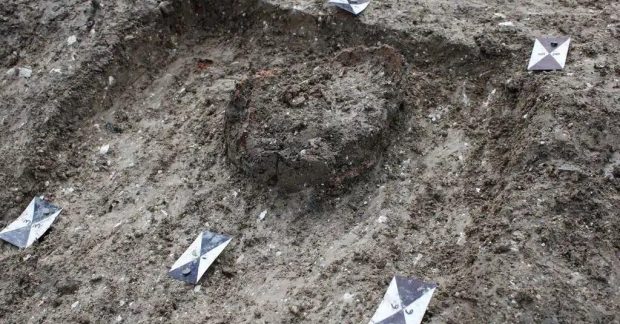
Unique Roman infant burial in ceramic vessel discovered in Britain
Archaeologists in Buckinghamshire have unearthed an unusual Roman-era burial featuring an infant placed in an inverted pot alongside bird offerings.